Sign in
- Open Milton.
- Enter your Email and Password and click Sign in. If you signed up with Google, click Continue with Google instead.
Sign out
Click your picture at the bottom-left of the sidebar, then Log out. You can also go to Settings → Account and click Disconnect.Signing out doesn’t delete your library from this device.
Reset a forgotten password
- On the sign-in screen, click Reset password under the password field.
- Enter your Email and click Send reset email.
- Open the email and click the link. Milton opens on Set new password.
- Type your New password twice and click Reset password.
- Sign in with your new password.
Change your email
- Go to Settings → Account.
- Next to Email, click Change.
- Type your New email and click Update.
- Open the verification email sent to the new address and confirm. Milton shows “Email updated successfully”.
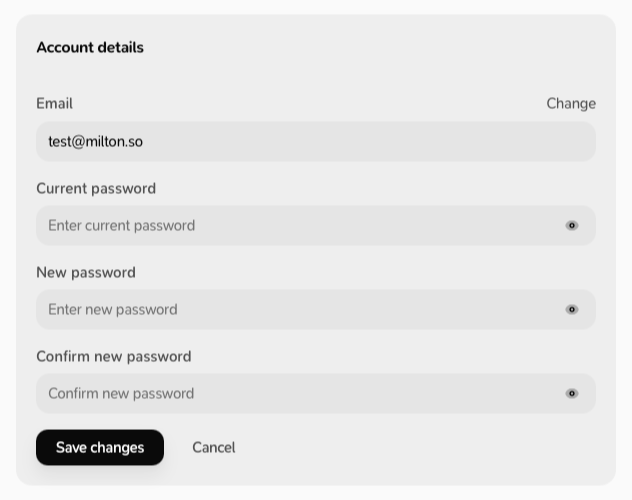
Change your password
- Go to Settings → Account.
- Next to Password, click Change.
-
Fill in Current password, New password and Confirm new password, then click Save changes.