

Summary
The Summary field at the top holds a short summary (up to 400 characters). It’s shown on the reference’s card in your library. If you leave it empty, the card shows the abstract.
Notes
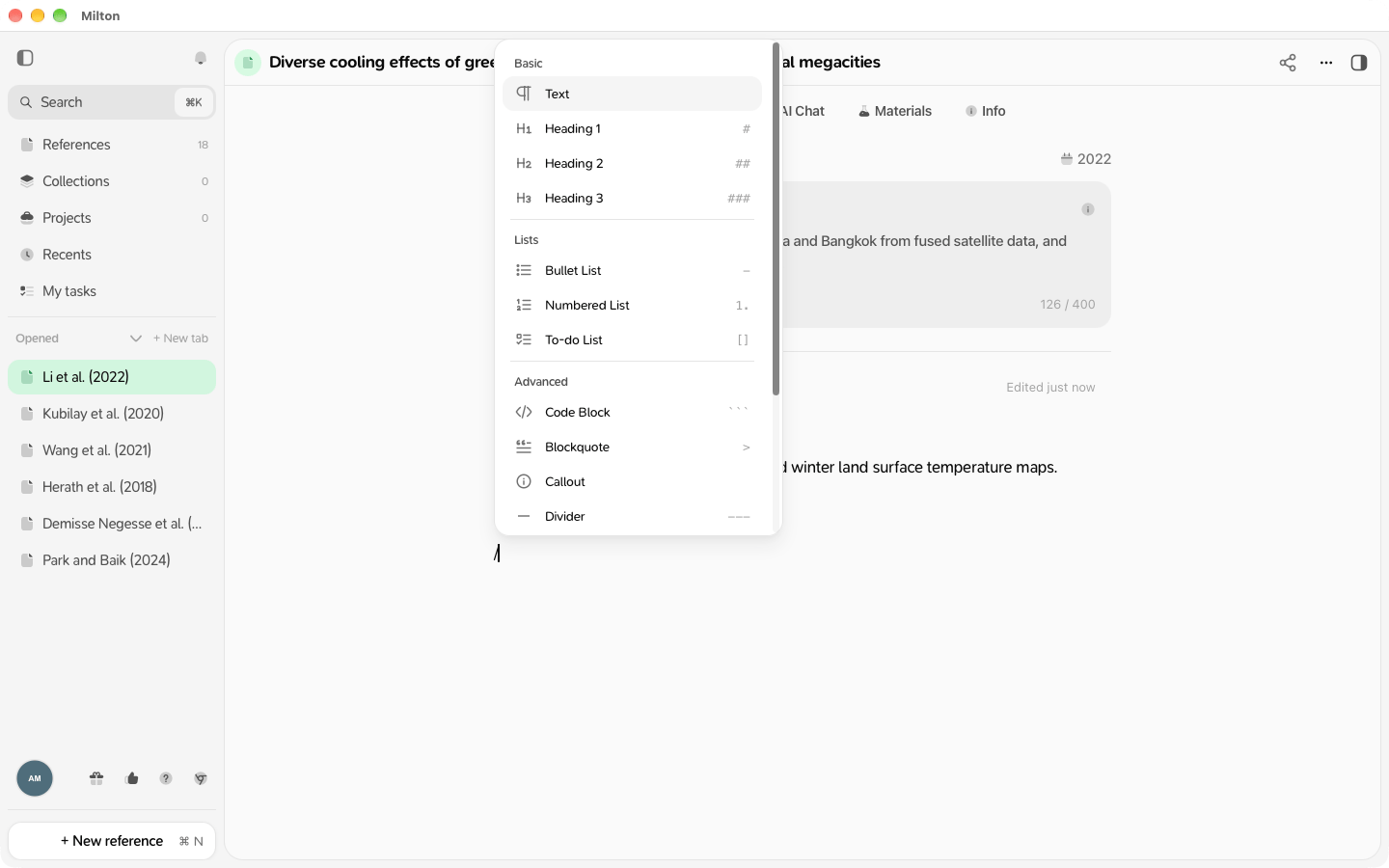
Write below the summary. Notes save by themselves a couple of seconds after you stop typing. Type / to insert:- Text, Heading 1, 2 or 3
- Bullet List, Numbered List, To-do List
- Code Block, Blockquote, Callout, Divider
- Table of Contents, Math Block, Image

Find and export notes
- Search (Mod + K) also looks inside your notes.
- To export notes and highlights, use Export → Structured data → Notes & highlights (Markdown). See Export and copy citations.
Your notes are private. They’re never shared with co-authors or published.