

Use a skill
In a project’s agent panel, type / and pick a skill from the list.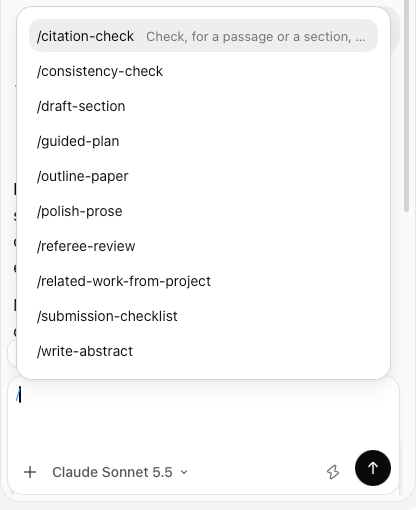
The guided plan
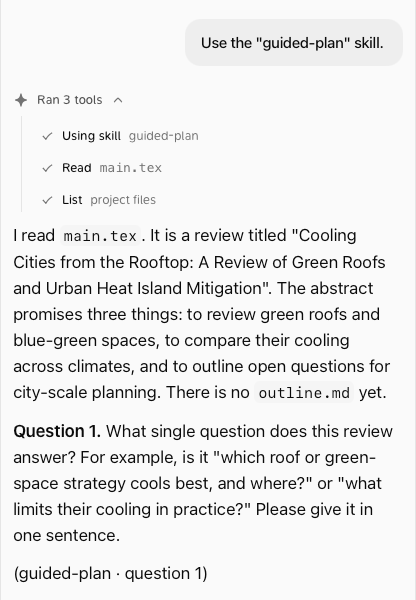
Type/guided-plan. The agent asks you one question at a time about your paper, checks your library along the way, sums up the plan in a few lines for your OK, then proposes an outline.md file at the top of the project.
Manage skills
Go to Settings → AI management → Skills. Turn each skill on or off under Built in and Yours.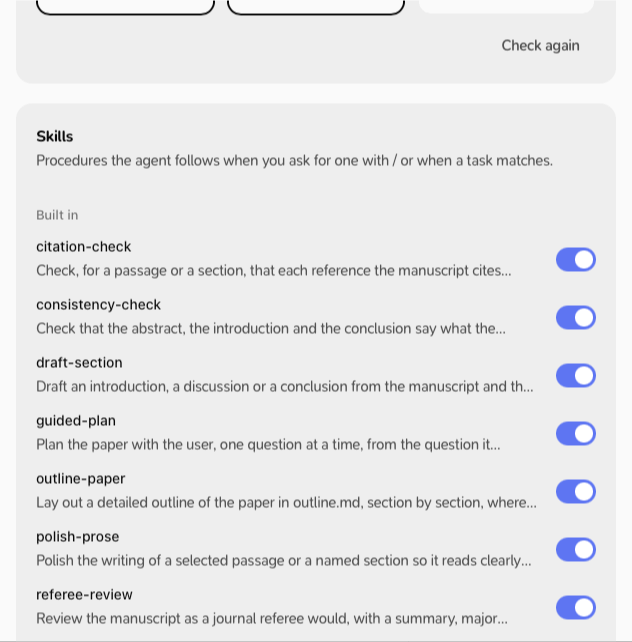
Add your own
- Write your skill as a folder with a
SKILL.mdfile (the open Agent Skills format). - In Settings → AI management → Skills, click Add skill… and choose the folder.