

- Go to Settings → Backup.
- Under Restore deleted items, click Choose a restore point.
-
Pick a moment from the list, from before you deleted the items. Milton shows how many items would come back.
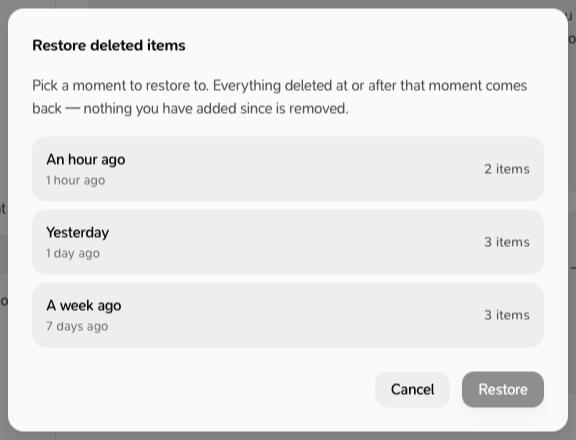
- Click Restore.
- This brings back deleted items. It doesn’t undo edits.
- If a PDF or material file has already been removed from the backup, the item comes back without its file. Milton tells you before you click Restore.
- On the free plan, deleting is permanent.