

Create a file or folder
-
Click New file and choose a type:
.tex,.bib,.md,.txt,.sty,.cls,.Ror.py. Or click New folder.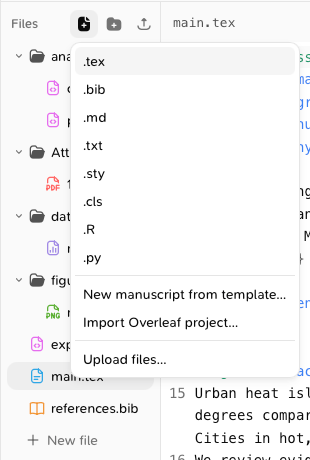
- Type its name and press Enter.
Add files from your device
Click Upload files, or drag files from your desktop onto the file tree.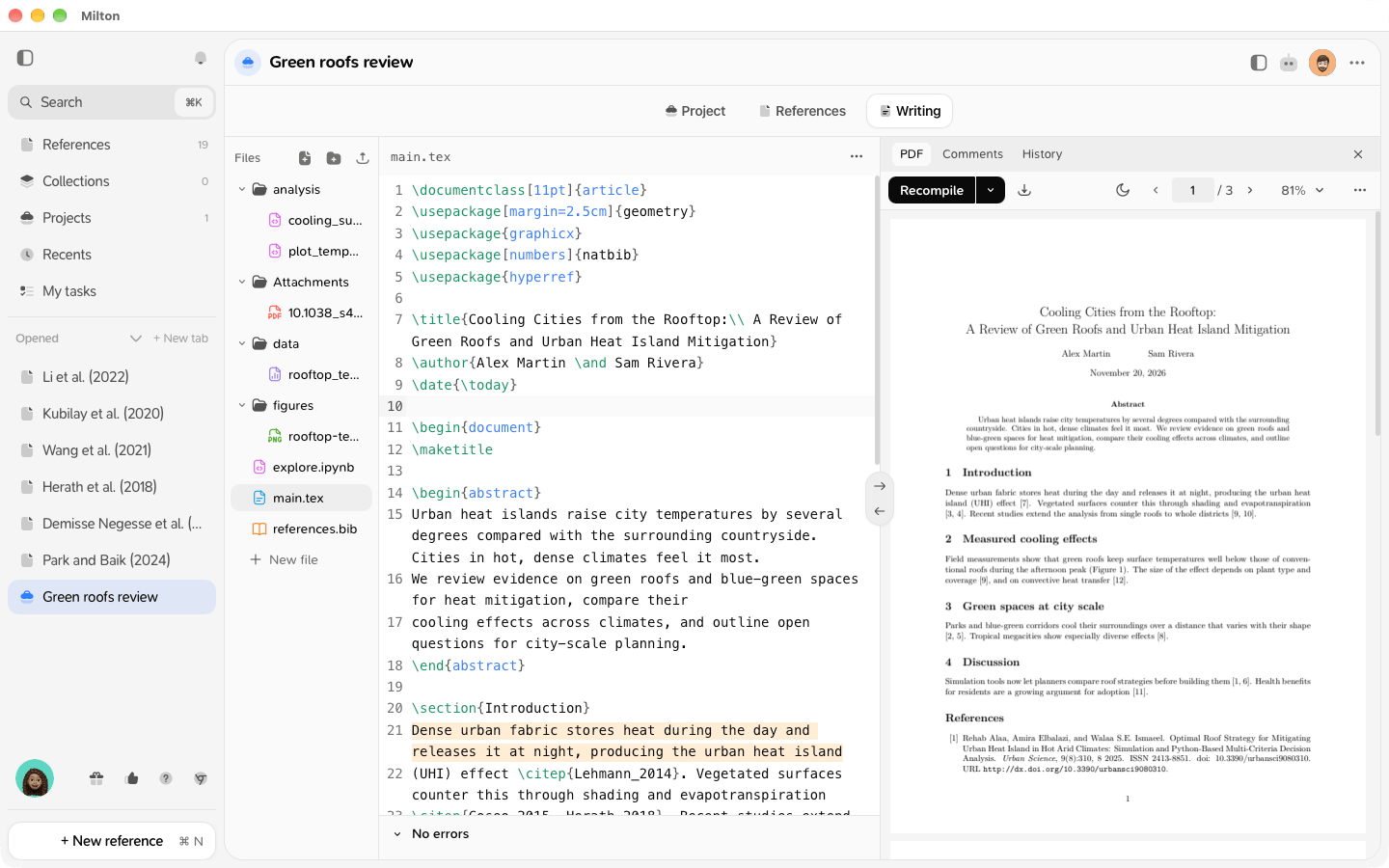
Organise
- Drag files onto a folder to move them.
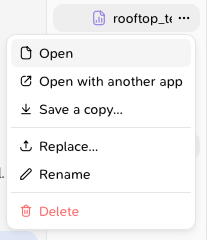
- Click a file’s ⋯ to Rename or Delete it. Deleting asks you to confirm and can’t be undone.
What opens where
- Text files (
.tex,.bib,.md,.txt,.sty,.cls) and code files (.R,.pyand more, see Write and run R or Python scripts) open in Milton’s editor. - Notebooks (
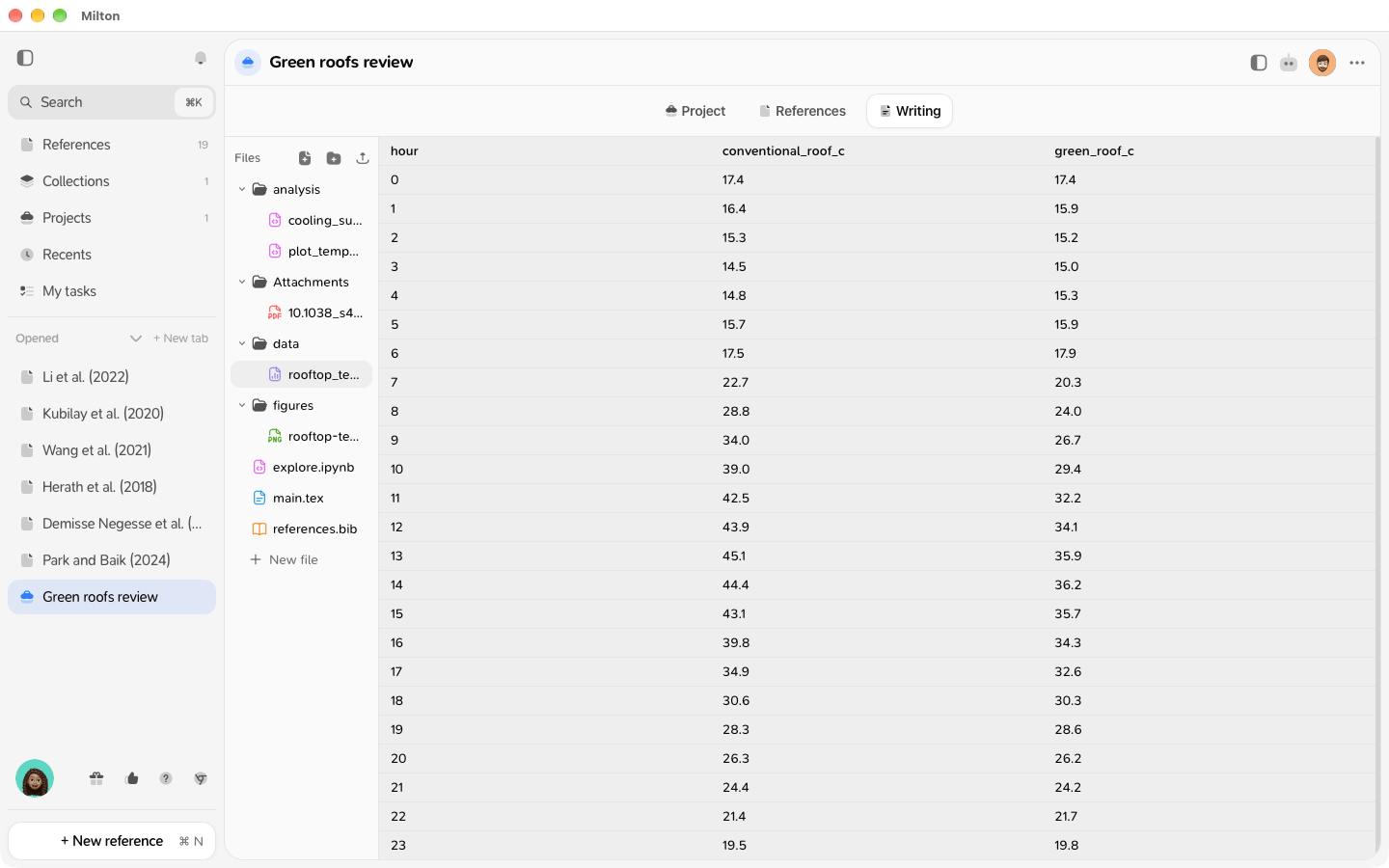
.ipynb) open in Milton’s notebook editor. See Use notebooks. - Images, PDFs and CSV files open in a viewer.
- Other files open in your device’s own app. Use ⋯ → Open with another app, Save a copy… or Replace….
Limits
- A text file can be up to 5 MB, any other file up to 2 GB.
- Names must be unique in a folder, ignoring upper and lower case (
Main.texandmain.texclash). - Names can’t contain
\ : * ? " < > |. references.bibat the top of the project is reserved: Milton writes your bibliography there. See Cite references.