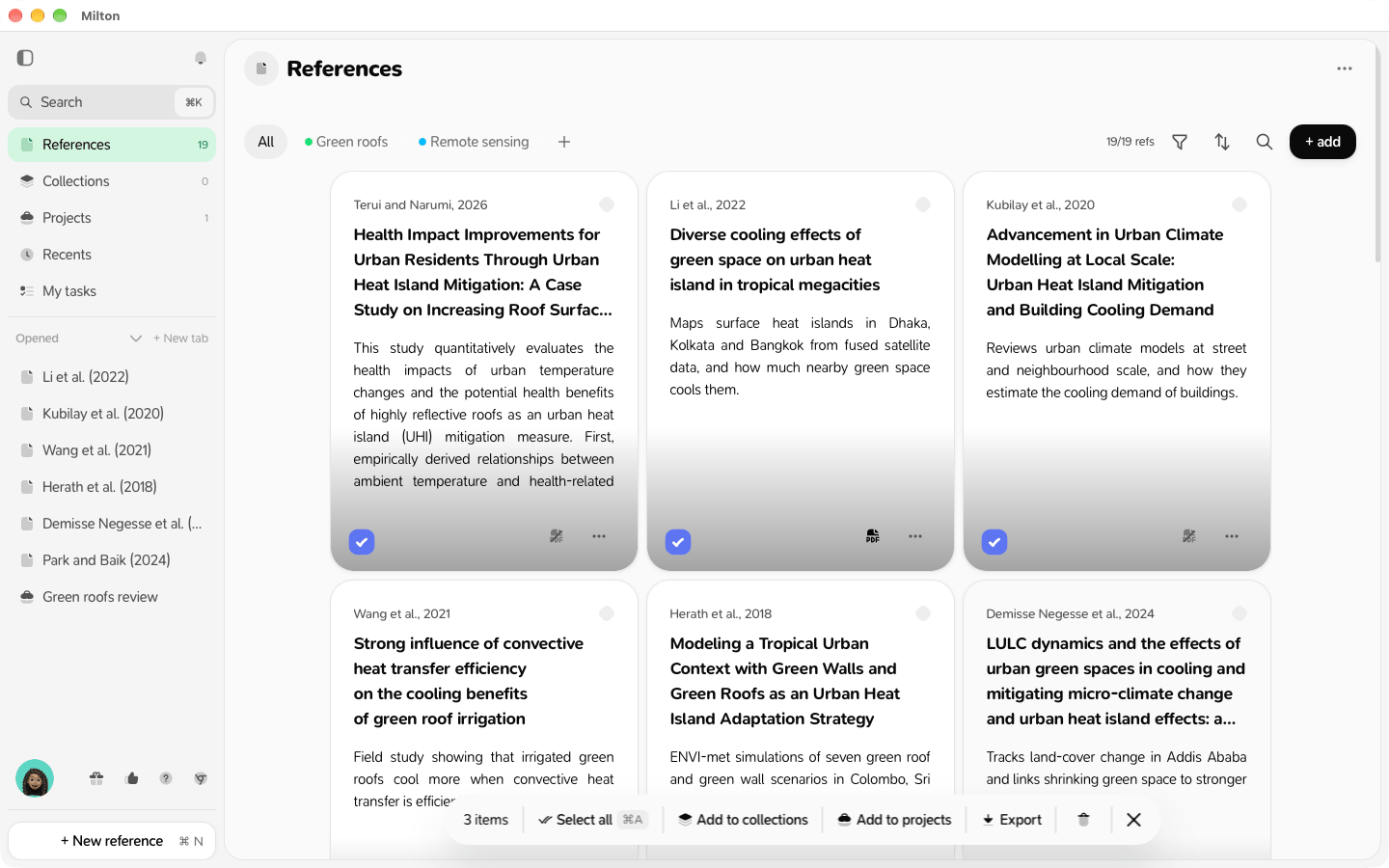
- Hover a reference and tick its round checkbox. Shift-click another one to select everything in between, or press Mod + A (⌘A or Ctrl+A) to select all.
- Use the toolbar that appears:
- Add to collections
- Add to projects
- Export
- Remove from collection / Remove from project (inside a collection or project)
- Delete
- Press Esc to stop selecting.